
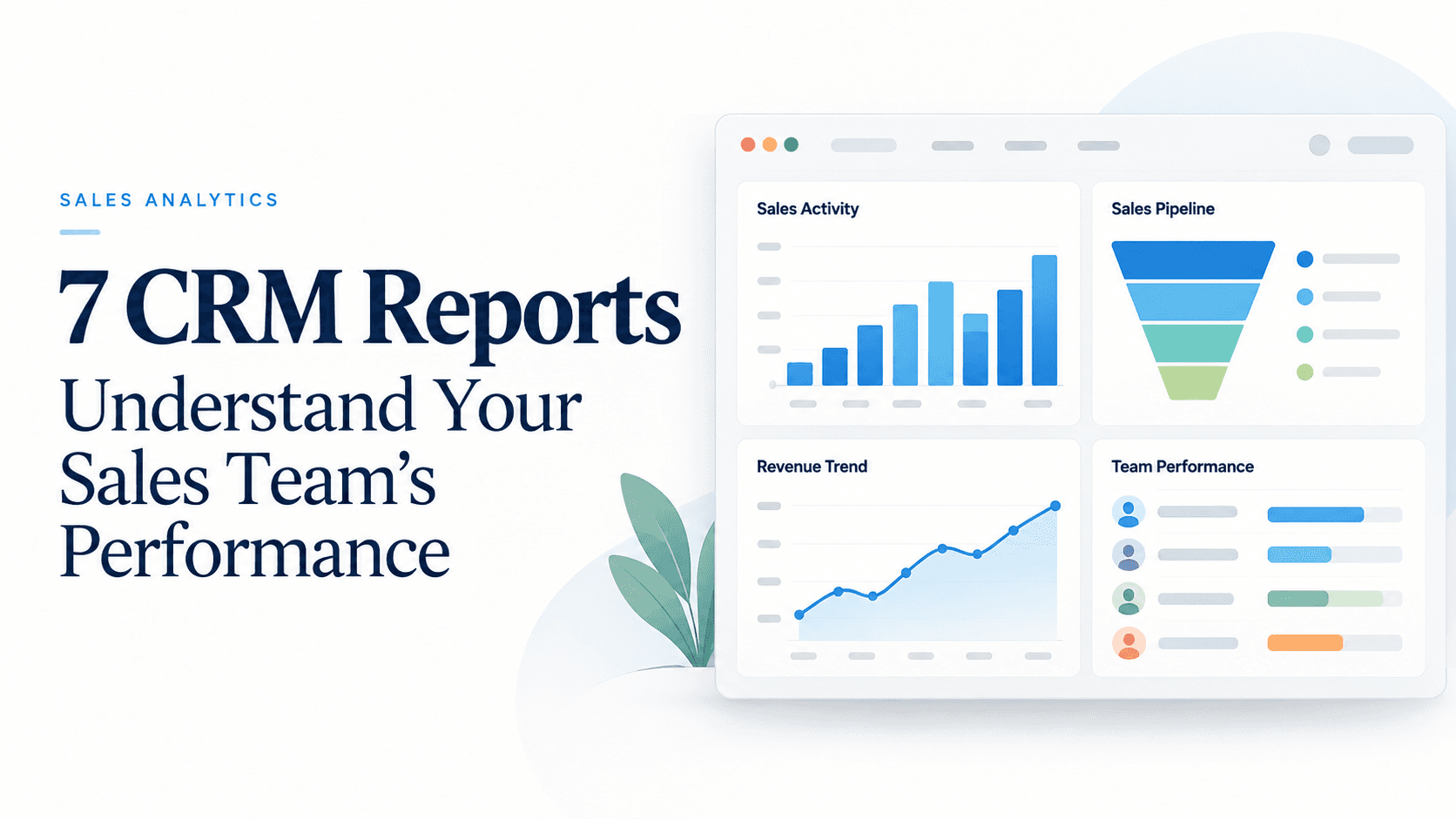
For sales managers at Indian small and medium businesses, turning raw numbers into actionable coaching is the difference between a good quarter and a great one. A well-designed CRM can surface patterns across your team—who’s moving leads, where bottlenecks appear, and which channels drive the most conversions. In Triostack CRM, you can leverage a mix of activity data, lead management, and communication tools to create reports that make it easier to understand team performance. The seven reports below are practical starting points that align with everyday realities in SMB sales teams, including multi-channel conversations via a shared WhatsApp inbox, automated lead assignment, and AI-assisted call analysis.
1) Activity and engagement by representative
What this report shows
- Volume of touchpoints per rep (calls, WhatsApp messages, templates sent, and flows triggered)
- Response patterns, including average response time and follow-up frequency
- Channel mix to identify reliance on a single channel
How to use it (practical steps)
- Select a date range and group by sales representative.
- Compare each rep’s total touches and average response time to coaching targets.
- Spot reps who are highly active but have low conversion rates and plan targeted coaching sessions.
Example: In a team of four, you notice Priya has high WhatsApp activity but a lower conversion rate on new leads. A practical next step could be to review her initial message templates and ensure quick follow-ups using flows triggered by new lead creation.
2) Lead conversion rate by representative and stage
What this report shows
- Progression of leads through stages (New → Contacted → Qualified → Opportunity → Won/Lost) by rep
- Conversion rate at each stage and overall win rate
- Impact of lead scoring and auto assignment on conversion
How to use it (practical steps)
- Filter by date and product line to see which reps convert best in a given period.
- Use lead scoring to identify which reps are handling high-intent leads and whether those leads close or stall at certain stages.
- Pair this with follow-up suggestions to refine coaching plans for underperforming reps.
Example: You see Rahul consistently converts qualified leads into opportunities at a higher rate than others, while Ananya trails in the same stage. Consider sharing Ananya’s successful templates and sequence steps to boost her progression.
3) Lead response time and follow-up effectiveness
What this report shows
- Time to first contact after lead creation
- Average follow-up cadence and whether automation triggers are used effectively
- Effect of response time on overall conversion
How to use it (practical steps)
- Identify reps with long response times and audit their initial contact scripts or templates.
- Assess the impact of automatic lead assignment on reducing response time, and adjust routing if needed.
- Encourage shorter first replies and provide quick-win templates for common objections.
Example: A new lead assigned to Akash often receives a response after two hours. By enabling an automation trigger that nudges the rep when a new lead lands, the first reply clock can drop significantly, increasing the chance of a positive engagement.
4) Win rate by product or service
What this report shows
- Closed-won opportunities by product or service
- Average deal size and duration by product line
- Seasonal trends and rep performance tied to product focus
How to use it (practical steps)
- Use product filters to compare win rates and identify where your team excels or struggles.
- Correlate win rates with the use of specific templates or flows to understand what actually resonates with buyers.
- Adjust training to emphasize high-margin products or refine value-based messaging for underperforming lines.
Example: Your “Enterprise+” package shows a higher win rate in the current quarter. You might allocate more reps to focus on that package and tailor case studies in WhatsApp templates to close faster.
5) Forecast accuracy and opportunity progression
What this report shows
- Forecasted revenue versus actual revenue by period
- Progression of opportunities through stages and probability estimates
- Overall health of the pipeline and potential gaps
How to use it (practical steps)
- Compare forecast vs actuals and identify where expectations diverge.
- Review opportunities that remain in the same stage longer than the typical duration and adjust strategies or messaging.
- Use AI-driven insights from call transcription to adjust probability estimates based on buyer sentiment and questions raised.
Example: If forecasted deals for the month are underperforming, look for bottlenecks in the mid-stages and reinforce closing-focused training, or reallocate resources to high-potential opportunities.
6) Pipeline health: stage duration and bottlenecks
What this report shows
- Average time deals spend in each stage
- Deals stuck in a stage and the rate of transition between stages
- Top bottlenecks that slow down progression
How to use it (practical steps)
- Identify stages with abnormally long durations and investigate the causes (pricing questions, competitors, or documentation needs).
- Revise templates, follow-up cadences, or required approval steps to accelerate progression.
- Align coaching and coaching notes with the bottlenecks identified by the report.
Example: Deals linger in the Negotiation stage. Create a focused negotiation script, update discount guidelines, and test new templates to reduce cycle time.
7) Channel effectiveness: WhatsApp inbox, calls, and templates
What this report shows
- Response rates and engagement per channel (WhatsApp, phone calls, emails)
- Usage and effectiveness of templates and flows, including automation triggers
- Impact of call recordings and AI call transcription on message quality and follow-up decisions
How to use it (practical steps)
- Compare channel performance to see where reps should focus their outreach.
- Review template usage and adjust language to improve response rates.
- Analyze call transcripts (Hindi, Hinglish, English) to extract common objections and update follow-up scripts accordingly.
Example: You notice WhatsApp replies generate quicker engagement than cold calls, but calls convert more often in the late stages. Balance your channel mix and tailor templates to guide conversations toward next steps.
Practical steps to implement these reports
- Define the key performance indicators (KPIs) that matter for your team and business goals.
- Set up date ranges, filters (region, product, rep), and groupings (by rep, by product, by channel).
- Link data from communication channels (WhatsApp inbox, calls) with lead management for a complete view of engagement.
- Leverage lead scoring and automatic lead assignment to enrich reports with quality signals.
- Schedule regular reviews with your sales team to discuss findings and action plans—not just numbers.
FAQs
How do I start building these reports in Triostack CRM?
You can start by selecting a few core metrics (activity by rep, lead response time, and channel effectiveness) and then expand to more advanced reports as you gain confidence in the data. Use the dashboard and reporting options to create views that fit your team structure.
Can these reports be filtered by region or product line?
Yes. You can filter data by region, product line, date range, and other attributes to understand performance in specific contexts and tailor coaching accordingly.
How can I use AI insights in these reports?
AI-driven features, such as call transcription in Hindi, Hinglish, and English, can add depth to analysis of conversations. Use transcriptions to identify common objections, sentiment trends, and follow-up needs, which can then be reflected in templates and flows.
What about coaching and follow-up actions?
Pair these reports with coaching by turning findings into concrete actions: update templates, adjust flows, reassign leads automatically when needed, or set targeted coaching sessions based on performance gaps.
Ready to gain clearer visibility into your sales performance and coach more effectively? Reach out to Triostack CRM to learn how these reporting approaches can fit your team and processes.