
Introduction
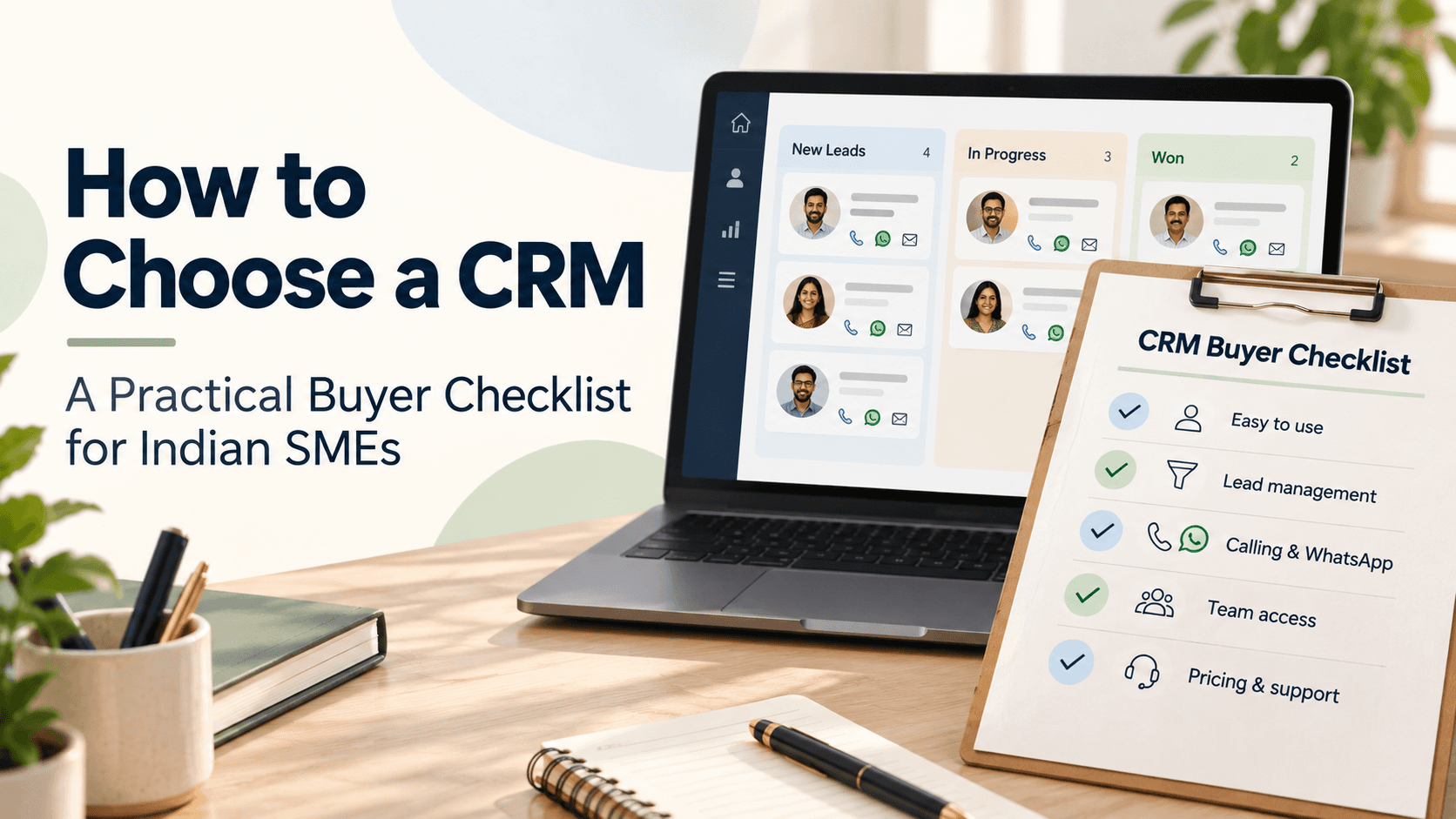
For Indian small and medium businesses, a CRM is more than a database of contacts. It is a tool to organize conversations, automate repetitive tasks, and keep teams aligned across channels. The right CRM helps you capture every lead, nurture it through meaningful follow-ups, and convert conversations into revenue—without creating chaos in your day-to-day operations. This practical buyer checklist walks you through what to look for, with simple, real-world examples you can relate to. We’ll also highlight how common features—like a shared WhatsApp inbox, automation, and multilingual AI capabilities—can fit into everyday workflows.
Define your goals and budget before you compare
Start with clarity about what you want a CRM to achieve in the next 12–18 months. Typical objectives for Indian SMEs include improving response time to inquiries, standardizing follow-ups, and gaining better visibility into sales activity. Consider these questions:
- How many users need access, and which teams will use it (sales, support, operations)?
- Which channels must be supported (WhatsApp, voice calls, email, web forms)?
- What automations would save the most time (lead routing, follow-up reminders, templates)?
- What data and reports are essential for you today and six months from now?
Budget matters, but so does value. Some features can accelerate growth, while others might be nice-to-have. For a very small team, a simple setup with essential automations and a shared inbox can offer a quick win. For growing teams, plan for scalability: more users, more channels, and more automation opportunities.
Core features to evaluate for practical use
Look for features that directly support your daily workflows. Here are categories with practical implications and examples of how they can be used in a typical Indian SMB setting.
Contact management and a shared inbox
Ensure the CRM can store contact details comprehensively and let teams access a shared inbox for customer conversations. A shared WhatsApp inbox helps teams see all messages in one place, reducing duplicate replies and missed follow-ups. You might store customer names, phone numbers, preferred language, and lead source in one record to avoid repetitive data entry.
Templates, flows and automation triggers
Templates speed up replies, while flows automate repetitive steps. For example, when a new inquiry comes in via WhatsApp, a flow could tag the lead, assign it to a sales rep, and send a welcome message. Think about the simple automations you run today and whether the CRM supports translating templates into local language variants if needed.
AI-driven insights: lead intent, scoring and follow-ups
AI features can help you prioritize conversations. Lead intent analysis can indicate which leads look most promising, while automatic lead scoring assigns a score based on engagement and profile signals. Follow-up suggestions can remind you when to reach out, what to say, and which channel to use, helping you stay consistent without added manual effort.
Automation, lead routing, and assignment
Automatic lead assignment ensures new inquiries go to the most appropriate person—reducing response time and improving ownership. This is especially useful if your team spans multiple locations or product lines. Look for flexible routing rules, including round-robin distribution and channel-based routing, so no lead sits unassigned.
Mobile calling and call management
Some CRMs offer SIM calling through the mobile app, along with call logs and call recordings on compatible devices. If you have field teams or on-site visits, this can help you capture interactions and review conversations later. If multilingual calls are common, consider whether the CRM supports call transcription in Hindi, Hinglish and English, to keep records accessible for training and quality assurance.
Analytics and reports
Analytics should translate into action. Look for dashboards that summarize lead sources, conversion rates, average time to follow up, and channel performance. Exportability and customization help you adapt reports to your business needs without heavy IT involvement.
Practical steps to evaluate and trial CRMs
Moving from wish-list to decision involves hands-on testing. Use these steps to run a focused evaluation:
- Map your top 3–5 use cases. For many Indian SMEs, this includes handling WhatsApp inquiries, routing leads to the right person, and following up consistently.
- Shortlist 2–4 vendors that visibly address those use cases. Request a live demo that mirrors your workflows, not just generic features.
- Run a 14– to 30-day trial with real data. Import a small subset of contacts, set up 1–2 templates, build a basic flow, and test lead assignment rules.
- Evaluate ease of use and adoption. Have daily users perform typical tasks and capture feedback on setup time, navigation, and incident resolution.
- Check integrations and export options. Confirm you can connect to essential tools (billing, email, or your existing sales tools) and easily migrate data if needed.
- Assess data security and governance. Verify who can access data, how data is backed up, and how privacy is enforced for customer information.
Implementation tips for quick wins
Once you choose a CRM, these practical steps help you realize value quickly:
- Start with a clean data import. Deduplicate records and standardize fields such as name, mobile number, language, and lead source.
- Set up a shared WhatsApp inbox with templates for common responses. Include language variants if you serve multilingual customers.
- Configure at least 2–3 automation flows. For example, after a new inquiry, send a welcome message, assign the lead, and schedule a follow-up task.
- Enable automatic lead assignment to route inquiries to the most appropriate team or region. This reduces response times and ensures accountability.
- Turn on AI-driven features in a staged way. Start with lead scoring and recommended follow-ups, then add AI call transcription if your team handles multilingual calls.
- Define key metrics and set up essential dashboards. Track response time, follow-up rate, conversion rate, and channel performance in the first 60–90 days.
Scenario-driven examples
Hypothetical examples show how these features fit real-business needs:
- A local retailer gets many WhatsApp inquiries about products. A shared inbox, ready-made product templates, and a routing rule ensure each inquiry is answered promptly, and the lead is passed to a sales rep who handles fashion or electronics depending on the query.
- A service contractor uses call logs and AI transcription to review conversations with customers in Hindi or Hinglish. Transcriptions help with training and quality checks, while automatic follow-ups keep schedules on track.
- A small distributor tracks lead sources such as WhatsApp campaigns, trade shows, and referrals. Lead scoring highlights high-intent contacts, and automatic assignment ensures reps engage quickly.
What to ask during a vendor evaluation
Prepare a concise checklist for each vendor. Consider these questions:
- How well does the CRM support WhatsApp-based conversations and a unified inbox?
- Are templates, flows, and automation triggers easy to configure without a developer?
- Do AI features (lead intent, scoring, follow-up suggestions) address your sales process?
- Is there robust mobile functionality, including SIM calling through the app and call recordings?
- Can the system scale with your business and adapt to new channels or languages?
FAQs
Can a CRM replace our need for a phone system?
A CRM can integrate calling features and provide call logging, but it does not replace a standard mobile plan. SIM calling through the mobile app may incur regular mobile charges as per your plan. The CRM helps you manage calls and capture notes and recordings where supported.
Will multilingual AI transcription work for Hindi, Hinglish and English?
Some CRMs offer AI call transcription that supports multiple languages commonly used in India. This can help with record-keeping and training, but availability may vary by vendor and plan. Always verify language support during a trial.
How important is lead routing in a small team?
Lead routing is often critical for small teams wearing multiple hats. Automatic assignment reduces response time and ensures leads reach the right person quickly. Look for flexible routing rules that fit your team structure.
What if we already use some tools today?
Check for data import options, bidirectional integrations, and clean migration guides. A good CRM should harmonize your existing stack rather than force a complete overhaul. Start small with a few key integrations and expand as you gain comfort.
Closing note and next steps
Choosing a CRM is about aligning capabilities with your daily workflows and growth plans. Focus on essential needs first—shared conversations, simple automations, and reliable follow-ups—then layer in AI insights and mobile features as your team grows. For a practical start, explore how Triostack CRM supports a shared WhatsApp inbox, templates, flows, and automation triggers, along with multilingual AI transcription, call logging, and automatic lead assignment. If you’d like to discuss how a CRM can fit your business, contact Triostack CRM to map your priorities and plan a practical path forward.