
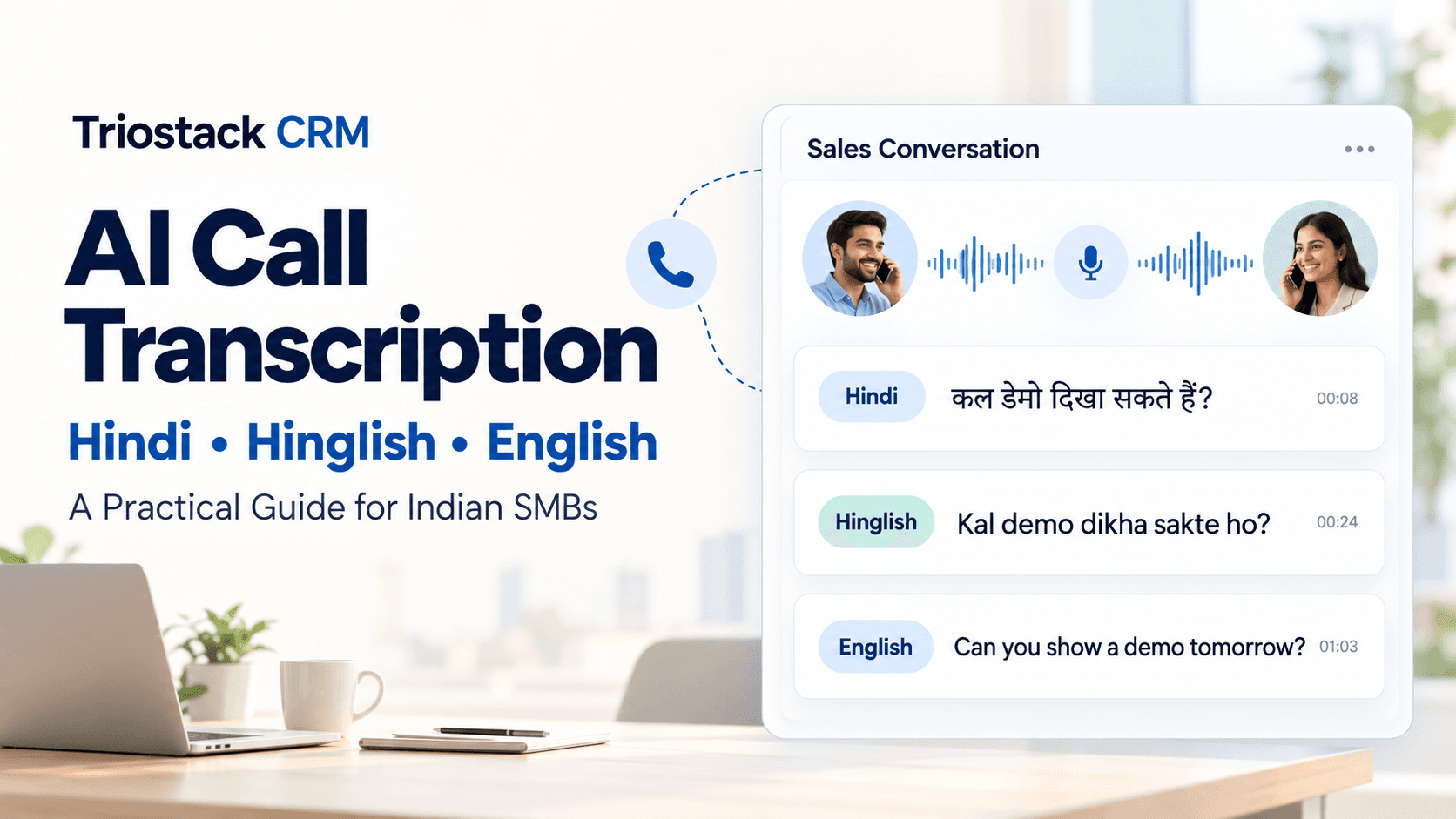
In India, sales conversations flow across Hindi, Hinglish, and English. For small and medium businesses, keeping track of what was said, by whom, and when, is critical to closing deals and coaching teams. AI call transcription in Triostack CRM turns spoken words into searchable text, making multilingual conversations easier to review, share, and act on. The transcripts are generated from call recordings on compatible Android devices, and you can also capture conversations through SIM calling via the mobile app. With shared WhatsApp inbox, you can respond with templates and flows and set automation triggers based on what the customer said. All of this helps you connect faster, stay compliant and win more deals.
Understanding AI Call Transcription Across Hindi, Hinglish and English
AI call transcription processes the audio from your sales calls to produce text. The system understands Hindi, Hinglish (Hindi mixed with English words and phrases), and English, and it can distinguish when speakers switch languages mid-conversation. This multilingual capability is especially helpful in Indian markets where customers may switch between languages within a single call. Accurate transcripts facilitate keyword searches, quotes, and action items, while preserving the nuance of tone through accompanying call logs and recordings on Android devices.
Practical Use Cases in Indian B2B Sales
A Hindi conversation with a local retailer
A Delhi-based distributor calls to inquire about bulk pricing and delivery timelines. The transcript is generated in Hindi, capturing questions like “bhaari quantity par kitna discount milta hai” and “jaldi delivery possible hai kya?” The CRM tags the lead as high value based on keywords such as “bulk,” “discount,” and “delivery timeline.” The sales rep reviews the transcript, shares a price sheet through a template in the shared WhatsApp inbox, and schedules a follow-up. The automatic lead assignment may route this lead to a regional manager who speaks Hindi, speeding up the response.
A Hinglish chat with a tech reseller
A Bengaluru-based reseller talks about cloud hosting and integration. The Hinglish transcript captures sentences like “yein product ki hosting cost kya hai, aur integration kitne din me ho jayegi.” Lead intent analysis detects rising interest in “cloud” and “integration.” The system can suggest a follow-up, and auto-assign the lead to a technical specialist. The team uses ready-made WhatsApp templates to share a case study and set up a quick demo agenda, all triggered by the transcript content.
An English call with a nationwide client
A Mumbai client asks about uptime guarantees and SLAs. The transcript records the exchange in English, with occasional Hinglish terms used by the client. The lead scoring model flags urgency and potential value, and a follow-up task is created for the appropriate account manager. The call notes are stored with the call log and any available call recording on the Android device, so the team can review specifics later if needed.
Transcripts that Power Your CRM Workflows
Transcripts feed into lead intent analysis, lead scoring, and follow-up suggestions. Because transcripts reflect what customers say, you can:
- Automatically assign leads to team members based on language, domain, or detected intent.
- Use lead scoring to prioritize conversations likely to convert, so your reps follow up faster.
- Get follow-up suggestions that align with what the customer asked for, saving time and reducing dead ends.
- Access call logs and call recordings on compatible Android devices to review the full context.
- Coordinate with the shared WhatsApp inbox by applying templates and flows triggered by the conversation.
Getting Started: Practical Steps
- Ensure your calls are captured through the Triostack mobile app via SIM calling or standard call recording on Android devices. Make sure you have the necessary permissions to record and store calls.
- Enable AI call transcription for Hindi, Hinglish, and English, and review language tags so transcripts are easy to filter later.
- Review transcripts in the CRM, use the search function to find keywords across languages, and link transcripts to the corresponding contact, lead, or deal records.
- Set up lead scoring and automatic lead assignment rules, and define follow-up actions triggered by specific phrases or intents detected in transcripts.
- Leverage the shared WhatsApp inbox with templates, contacts, and flows to act on the transcript content quickly and consistently.
FAQs
How accurate is AI transcription for Hindi, Hinglish and English?
Transcripts accuracy depends on audio quality, speaker clarity, and background noise. The system supports Hindi, Hinglish, and English, and performs best when speakers are clear and use standard terms. Review of critical quotes is advised when precision matters.
Can transcripts be searched by language or keywords?
Yes. Transcripts are searchable by language and by keywords, and you can use language tags to filter results. This helps you locate quotes, commitments, or questions from specific calls quickly.
Can transcripts trigger follow-ups or automatic lead assignment?
Yes. Transcripts feed into lead intent analysis and lead scoring, and the system can suggest follow-ups and automatically assign leads to the appropriate team member based on detected intent and language.
Is transcription available for SIM calling through the mobile app?
Yes. When calls are made through the Triostack mobile app, transcripts can be generated and stored in your CRM. Normal mobile plan charges apply for calls, and features work with compatible Android devices.
Closing: To explore AI call transcription for your sales team, contact Triostack CRM to discuss a setup that fits your language needs and workflows.