
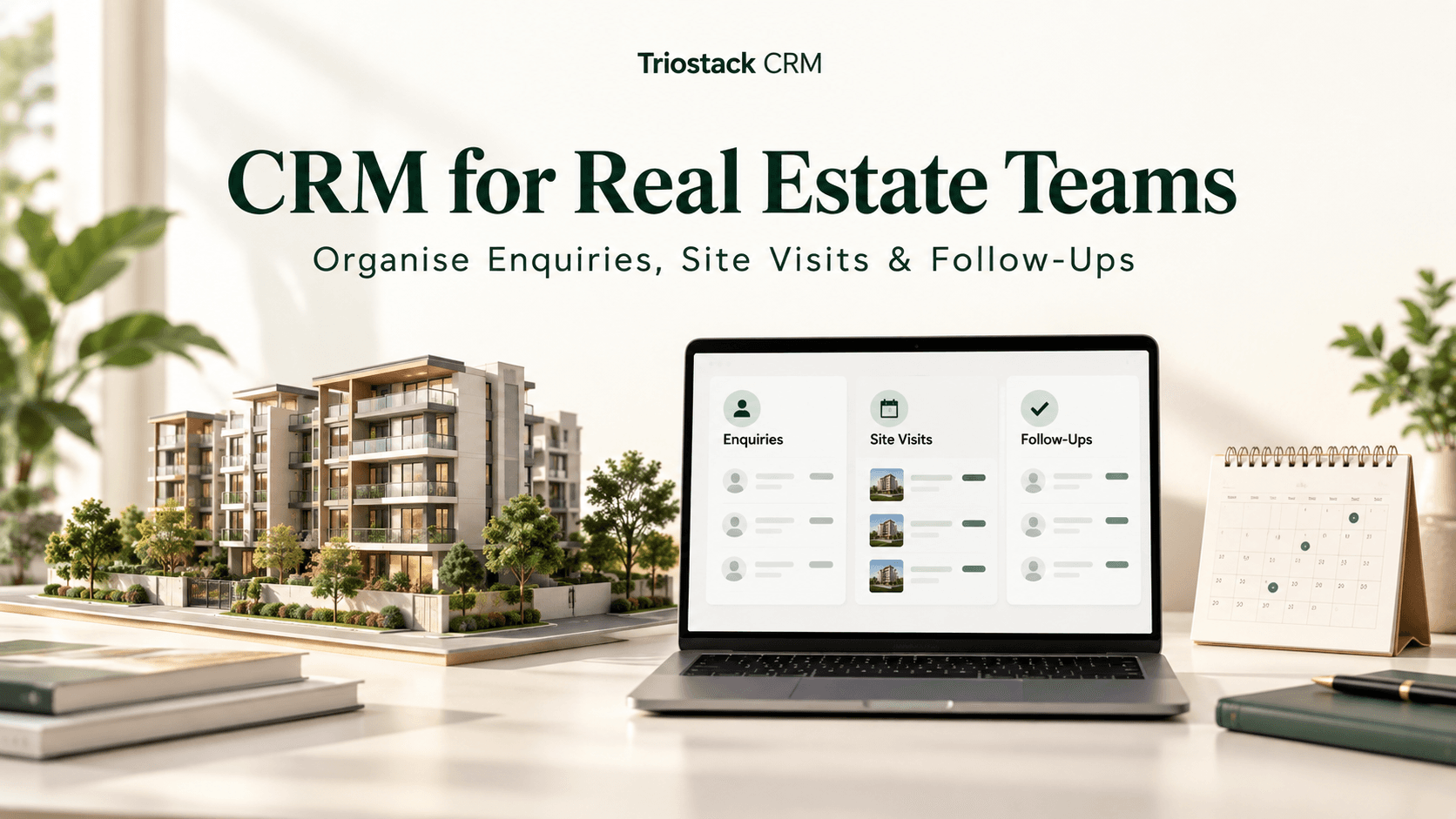
In Indian real estate, teams juggle inquiries from WhatsApp, phone calls, and site visits. Without a centralized system, important details can slip through the cracks, and coordination across agents becomes challenging. A purpose-built CRM can bring all interactions into one place, helping teams respond faster, schedule visits smoothly, and keep every lead moving through the pipeline. This guide explains how real estate teams can use Triostack CRM to organize enquiries, site visits, and follow-ups with practical steps and concrete examples.
Centralise Enquiries and Communications
The first step is to collect all inquiries in a shared space so the whole team stays aligned. Triostack CRM offers a shared WhatsApp inbox, unified contacts, templates, and automation flows to streamline responses and routing.
- Shared WhatsApp inbox: multiple agents can view and respond to leads from buyers, tenants, or investors in one place, ensuring timely replies and consistent messaging.
- Templates for common responses: use ready-made replies for property availability, pricing bands, or appointment requests, reducing response time and maintaining brand voice.
- Flows and automation triggers: when a new inquiry arrives, the system can route it to the most suitable agent based on location, budget, or property type, and can initiate a follow-up sequence automatically.
- Lead intent analysis and lead scoring: quickly identify hot leads and priority prospects so agents focus where it matters most.
- Automatic lead assignment: ensure no inquiry goes unassigned by routing based on the least-loaded agent or specific territory rules.
Example: A prospective buyer messages via WhatsApp about a 2BHK in a suburban locality. The system analyzes the inquiry, scores the lead, and automatically assigns it to a sales consultant who concentrates on that area. The agent receives a suggested response and a prompt to schedule a site visit when the lead shows strong intent.
Shared inbox and templates
Use a single inbox for all WhatsApp conversations and pull in contact history, so agents can pick up where others left off. Templates ensure consistency, whether replying about pricing, availability, or next steps in the process.
Lead scoring and routing
Lead scoring weighs factors like inquiry frequency, property interest, and response timing. Automatic assignment then pushes the lead to the most appropriate agent, speeding up follow-ups and improving conversion chances.
Site Visit Management
Site visits are a critical milestone in real estate sales. Triostack CRM helps you plan, confirm, and record site visits within a single workflow, ensuring every lead has a clear path to viewing and decision-making.
- Templates for visit confirmations: send date, time, directions, and meeting point details with language that suits the buyer’s preference (Hindi, Hinglish, English).
- Flow-driven scheduling: after a successful inquiry, a follow-up flow can trigger a site visit invitation when the lead shows interest in a property, then remind the client as the date approaches.
- AI call transcription: if a visit discussion happens over a call, the transcription captures important details in Hindi, Hinglish, or English and saves them to the lead’s record.
- Call logs and recordings: on compatible Android devices, you can log calls and store recordings for future reference and compliance.
- Notes attached to property records: attach site plans, floor plans, or location maps to the lead or property record for quick reference during visits.
Hypothetical example: A family is interested in a 3BHK villa and asks for a weekend tour. The system assigns the lead to a field agent, sends a visit confirmation with directions, and creates a follow-up reminder after the visit to gather feedback or proceed with a booking.
Follow-ups after visits
Post-visit follow-ups are essential. Use automated reminders and tailored messages to capture impressions, address concerns, and move the lead toward closure. The AI transcription and notes from the visit help tailor each subsequent touchpoint.
Follow-Ups and Nurturing
Not every lead closes on the first site visit. Structured follow-ups keep interest alive and reduce the risk of losing momentum. Triostack provides intelligent suggestions on when and how to follow up, based on lead signals and activity history.
- Follow-up suggestions: recommended time windows and message content based on lead intent and past interactions.
- Automated reminders: schedule reminders for both agents and clients to maintain consistent touchpoints.
- Ongoing lead scoring: as interactions continue, update scores to reflect improved or diminished interest.
- Continuous auto-assignment: maintain coverage so a new follow-up is never left without a responsible agent.
Example: A buyer attends a site visit but needs time to decide. The system suggests a follow-up message after a few days, with a link to a property brochure and a note to check for eligibility for a loan. The agent can customize the message using templates before sending.
Practical steps to implement in your real estate team
- Define property segments and regions: map locations, price bands, and property types (2BHK, 3BHK, villas, turnkey apartments) to routing rules so inquiries land with the right agents.
- Set up contact fields and data capture: ensure important details (location preference, budget, timeline, preferred visit dates) are captured in the lead profile for better targeting.
- Create templates for common inquiries: have ready replies for price ranges, availability, and next steps to keep conversations fast and consistent.
- Configure flows for end-to-end progression: new inquiry → auto assignment → initial response → visit scheduling → post-visit follow-up → nurture until closure or handoff.
- Enable AI call transcription: set up transcription for calls in Hindi, Hinglish, and English to preserve details and improve follow-ups.
- Set lead scoring thresholds: define what constitutes “hot,” “warm,” or “cold” leads so teams can prioritise effectively.
- Train the team and review: run a pilot with a few agents, gather feedback, and adjust templates, flows, and routing rules as needed.
Real-world hypothetical example
Riya runs a small real estate brokerage focusing on affordable housing in Pune. A WhatsApp inquiry arrives about a 1BHK apartment in a newly launched project. The lead is scored and assigned to a senior agent who specializes in this project. The system sends a visit invitation, shares directions, and records the call transcription—capturing preferred timings and key questions. After the site visit, a follow-up sequence nudges Riya to present a payment plan and booking options. The lead remains engaged through structured prompts and timely reminders.
FAQs
How does Triostack help coordinate multiple agents on a single property?
Triostack provides a shared inbox, universal contact records, and automatic lead assignment to ensure every inquiry and follow-up is visible to the right agent at the right time.
Can I track site visits and follow-ups in one place?
Yes. Site visits, confirmations, and post-visit follow-ups can be managed within workflows. You can attach notes, property documents, and call transcripts to each lead.
Is AI call transcription available in Hindi, Hinglish and English?
Triostack supports AI call transcription in multiple languages commonly used in India, helping you capture important details from conversations and store them with the lead record.
How does automatic lead assignment decide which agent to assign?
Assignment rules can be configured by your team to consider location, property type, current workload, and territory coverage. The aim is to ensure leads are assigned to the most suitable agent promptly.
If you want to explore how Triostack CRM can help your real estate team organize inquiries, site visits, and follow-ups more efficiently, contact Triostack CRM today.