
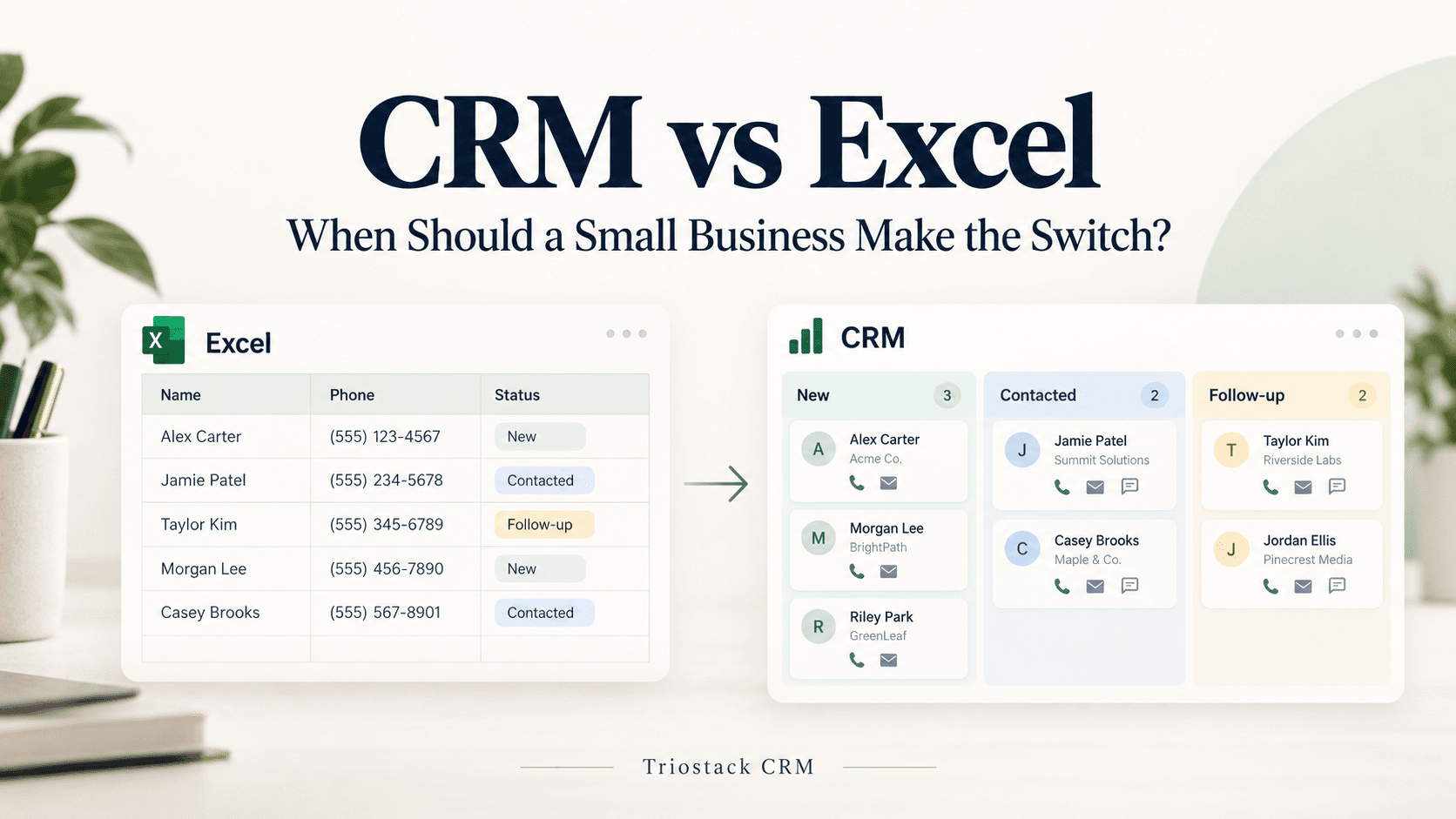
For many Indian small and medium businesses, Excel sheets serve as a flexible, familiar tool for tracking leads, customers, and sales activity. They’re quick to start, widely available, and inexpensive. But as teams grow and channels multiply, Excel can become a bottleneck. This article helps SMBs decide when to switch to a CRM, and how to do it with minimal disruption.
When Excel starts to fall short
- Multiple channels: inquiries come in via WhatsApp, phone calls, and occasional emails; keeping a single view in Excel becomes tricky.
- Follow-ups slip through the cracks: reminders and next steps rely on manual notes.
- Team collaboration is painful: multiple users edit the same file, leading to duplicates and overwritten data.
- Data quality degrades: duplicates, inconsistent spellings, and missing fields make reporting unreliable.
- Reporting and forecasting are limited: you can’t easily see pipeline stages or conversion gaps at a glance.
- Automation gaps: repetitive tasks (auto replies, reminders) require manual effort.
What a CRM offers over Excel
- Centralized contact records with a single source of truth and a shared inbox for customer conversations.
- Templates, flows and automation triggers to standardize responses and follow-ups.
- Lead scoring and lead intent analysis to help you prioritise opportunities.
- Automatic lead assignment so conversations reach the right team member quickly.
- Communication channels integrated in one place: WhatsApp messages, calls, notes, and recordings.
- Mobile access with SIM calling through the app and call logs on compatible Android devices.
- AI call transcription in Hindi, Hinglish and English to capture important details from conversations.
A practical path to switch
- Audit your current data: pull a sample of leads, customers, and deals from Excel and note what fields you use (name, phone, city, product, stage).
- Clean and deduplicate: remove duplicates, standardize spellings, and decide the one source of truth for each field.
- Map your process: define stages (New, Contacted, Qualified, Won) and the key actions in each stage.
- Choose the right CRM and configure essentials: set up contact records, shared inbox, templates, and basic automations.
- Plan migration: align fields to the CRM, prepare a CSV for import, and test with a small batch of records.
- Set up channels and templates: connect WhatsApp, enable call logging, and create message templates for common replies.
- Automate and assign: build simple flows and enable automatic lead assignment to distribute workload.
- Train with a pilot: run with a small team, collect feedback, and adjust workflows before a wider rollout.
- Go live and monitor: watch for duplicates, incomplete fields, or stalled follow-ups and continuously improve.
Practical examples from Indian SMBs (hypothetical)
A small apparel retailer in Mumbai
They used Excel to log inquiries from WhatsApp and in-store visits. After switching to a CRM, a shared WhatsApp inbox helped the team respond faster, and automatic lead assignment sent each inquiry to the appropriate sales representative. Templates for order confirmations reduced response times and ensured consistency across the team.
A kitchenware wholesaler in Bengaluru
With AI call transcription in Hindi, Hinglish and English, the team could capture key details from customer calls without taking manual notes. Call logs and recordings on Android devices provided a searchable history, helping agents pick up conversations where they left off.
A car accessories shop in Pune
Lead intent analysis and lead scoring helped prioritize follow-ups. The CRM suggested next steps and reminded agents to reach out, reducing missed opportunities and aligning efforts with sales goals.
Getting started with a modern CRM approach
- Define what “done” means: clarify what data you must capture, how you will track stages, and what outcomes you expect.
- Prioritize channels: ensure WhatsApp and phone calls are integrated, so one view covers conversations and notes.
- Leverage automation: start with simple flows (auto replies for common questions, reminders for follow-ups) and gradually add more complex triggers.
- Plan a phased migration: begin with a core set of contacts and a small team, then expand as you gain comfort.
- Invest in onboarding: create short templates and cheat-sheets to help your team adapt quickly.
FAQs
Can I move from Excel to a CRM without losing data?
Yes. Start with a data cleanup, deduplicate contacts, and map fields to the CRM’s records. Import in small batches, verify accuracy, and maintain a single source of truth for critical fields (e.g., phone number, contact owner). Most CRMs provide import tools that help you align fields from Excel.
Is a CRM necessary for a small business just starting out?
Not strictly required at the very beginning, but as you grow and add channels, a CRM helps keep everyone aligned, ensures follow-ups don’t slip, and provides a scalable way to manage conversations and leads.
Will using a CRM create extra work for my team?
There is an initial setup and learning curve, but well-designed templates, automation, and a central inbox can reduce repetitive tasks and speed up responses over time.
How long does migration typically take?
It depends on data size and complexity. A phased migration over a couple of weeks is common, starting with a core set of contacts and gradually bringing in more records and automations.
If you want to explore how Triostack CRM can fit your business, contact Triostack CRM to discuss your needs and how a centralized inbox, automation, and AI-powered tools can support your growth.