
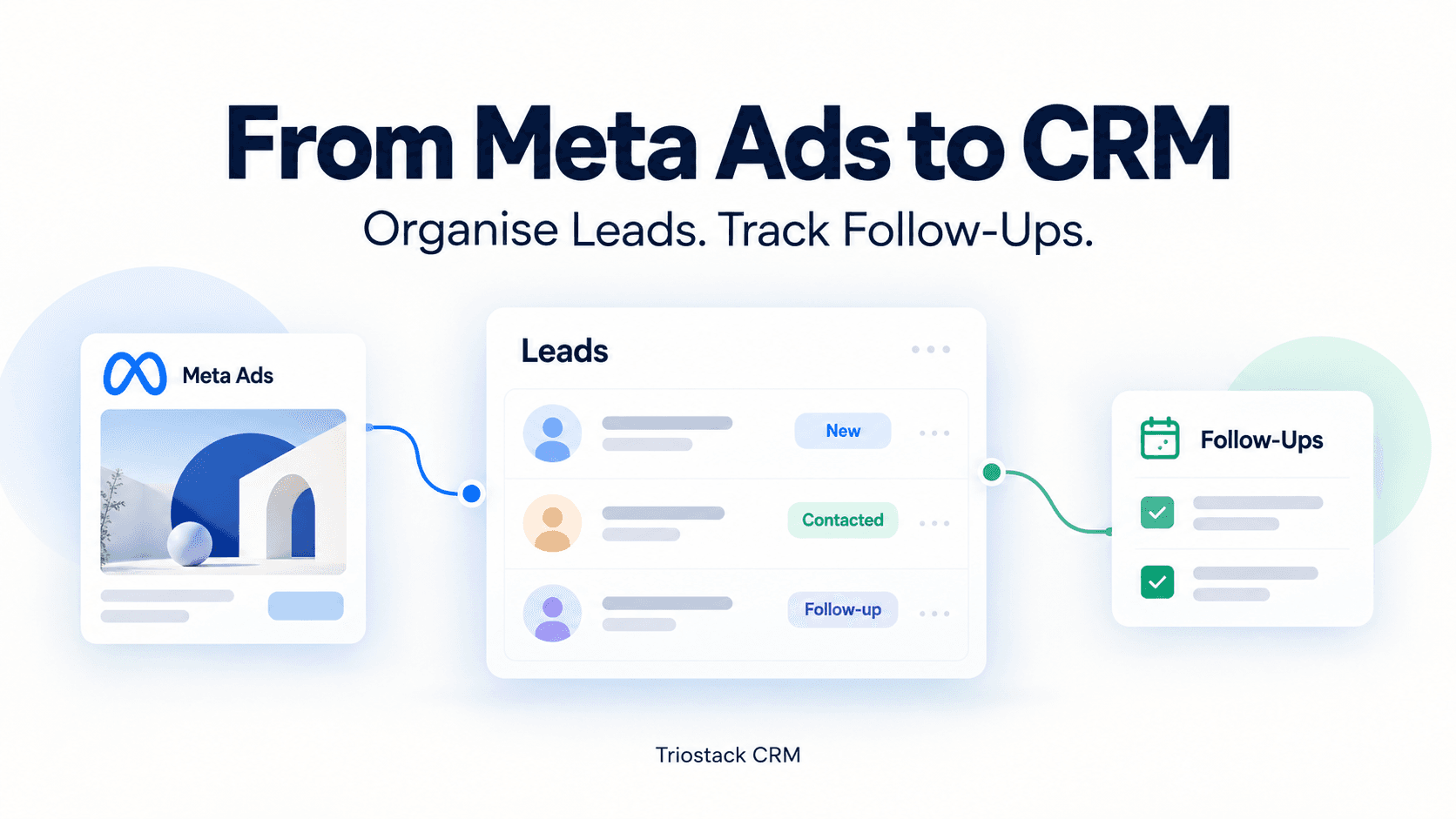
Meta Ads can be a powerful source of fresh leads for small and medium businesses. But without a clear process to capture, organise, and follow up, interested prospects risk slipping away. This guide shows a practical approach to taking Meta Ads leads into Triostack CRM, shaping them into qualified opportunities, and tracking the follow-up steps that move them toward conversions.
From Meta Ads to CRM: How to Organise Leads and Track Follow-Ups
Think of your Meta Ads funnel as a pipeline that starts the moment a user submits a form or clicks through to your site. The goal is to pull every lead into a single, accessible workflow where you can segment, nurture, and assign action items. Triostack CRM provides features such as a shared WhatsApp inbox, templates, flows and automation triggers, automated lead assignment, and AI-assisted insights to help you stay on top of every lead. Here are practical steps you can implement today.
Capture and centralize Meta Ads leads
Start with a consistent capture process so no information gets lost between Meta and your CRM. Decide which fields you need to move forward with a follow-up strategy.
Standardize lead fields
- Name, mobile number, and email (if available).
- Source data such as Meta campaign, ad set, and creative name.
- Lead preferences (product interest, service area) and a timestamp.
- UTM parameters or custom tags to track campaign performance.
Tag and route by source
- Tag each lead with the Meta campaign details so you can report on which ads drive the most qualified inquiries.
- Use source tags to tailor a message cadence by campaign and region.
Organise leads in Triostack CRM
Bring Meta leads into a clear, navigable structure inside the CRM. Set up a simple pipeline that mirrors your sales process and uses consistent stages.
Create lead pipelines and stages
- New Lead → Contacted → Qualified → Proposal → Won/Lost
- Allow different branches for hot leads versus nurturing prospects.
- Link Meta campaign data to each stage to observe how specific ads perform in the funnel.
Map custom fields for Meta campaigns
- Campaign Name, Ad Set, Ad Creative, and Audience can be captured as custom fields.
- Use these fields in filters and dashboards to measure campaign effectiveness.
Automate assignment and prioritization
Automation helps your team respond quickly and keeps leads moving through the pipeline even when everyone is busy.
Automatic lead assignment
- Assign new Meta leads to a specific team member based on city, product interest, or workload balance.
- Set fallback rules if the primary assignee is unavailable or out of office.
Lead scoring and intent analysis
- Use lead intent analysis to estimate how ready a lead is to buy based on the interaction pattern, keywords, and campaign context.
- Attach a lead score to prioritize follow-ups and allocate more time to high-intent prospects.
- Leverage follow-up suggestions that recommend the next best action, such as a direct WhatsApp message or a call.
Engage using WhatsApp, templates, and flows
Often the quickest way to connect is a personal message. A shared WhatsApp inbox in Triostack CRM helps teams stay coordinated while maintaining a human touch.
Shared inbox and messaging templates
- All inbound and outbound WhatsApp conversations can be viewed by the team from a single inbox.
- Use templates for common replies (pricing questions, appointment slots, product details) to save time while keeping consistency.
Flows and automation triggers for follow-ups
- Set up a flow that sends a friendly follow-up after 1 day if there is no reply to the initial message.
- Trigger reminders to the assigned agent if a lead lingers in a stage for too long.
- Attach WhatsApp templates to each stage so the right message goes out at the right time.
Track calls and capture insights
Calls remain a core channel for closing deals. Triostack supports voice interactions through the mobile app and provides tools to capture what happens during calls.
Call logs and recordings on compatible Android devices
- Log call dates, durations, and outcomes in the lead record.
- Recordings (where allowed) can be stored for reference and training.
AI call transcription for Hindi, Hinglish and English
- Transcripts help you quickly review what the lead asked and what you promised.
- Use transcripts to identify follow-up opportunities and update lead notes automatically.
Practical example: a small Delhi-based garments store
Consider a retailer who runs Meta Ads to showcase a new line of kurtas. A lead submits a form with name and phone number, selecting interest in women’s wear and a nearby store location.
- The CRM captures the lead with source tags: Meta Campaign, Diwali Sale 2024, Women’s Wear.
- Automatic lead assignment directs the lead to the store manager in Connaught Place who handles local customers.
- Lead scoring flags the lead as high intent due to a click-through on the “Book fitting” option and a recent inquiry history.
- A WhatsApp message template is sent with store timings and meeting options.
- Follow-up automation nudges the sales rep if the customer doesn’t respond within 48 hours, and a call is logged if the customer engages by phone.
Frequently asked questions
How do I map Meta Ads parameters to CRM fields?
Set up fields in Triostack CRM to receive data such as campaign name, ad set, and creative from Meta. Use these fields in lead views, filters, and dashboards. If your Meta lead form provides these values, ensure the integration or import process populates the corresponding CRM fields so you can report on which ads generate qualified leads.
How soon should I follow up after a lead comes in?
Industry practice suggests a quick response improves conversion chances. With automation, you can schedule an initial WhatsApp message or a call within minutes of capture and set a follow-up cadence (for example, a reminder after 1 day and a second follow-up after 3 days if there’s no response).
Can I track follow-ups across channels?
Yes. Using a shared inbox for WhatsApp, call logs, and activity notes, you can see all touchpoints in a single lead timeline. This helps you decide whether to send a message, place a call, or adjust your approach based on prior interactions.
How does automatic lead assignment handle duplicates?
Automatic assignment works with rules you configure (city, product interest, workload). If a new lead resembles an existing one, a merge or duplicate-detection rule can prompt a review before assignment, ensuring you don’t split conversations across multiple reps.
Closing thought and next steps
Organising Meta Ads leads in Triostack CRM helps you move from a raw inbound flow to a measured, actionable sales process. By standardizing capture fields, centralising data, automating assignments, leveraging AI insights, and maintaining timely follow-ups through WhatsApp and calls, your team can stay aligned and focused on high-potential opportunities.
Ready to optimize your Meta leads and follow-ups? Contact Triostack CRM to learn how these workflows can fit your business needs and scale with your growth.