
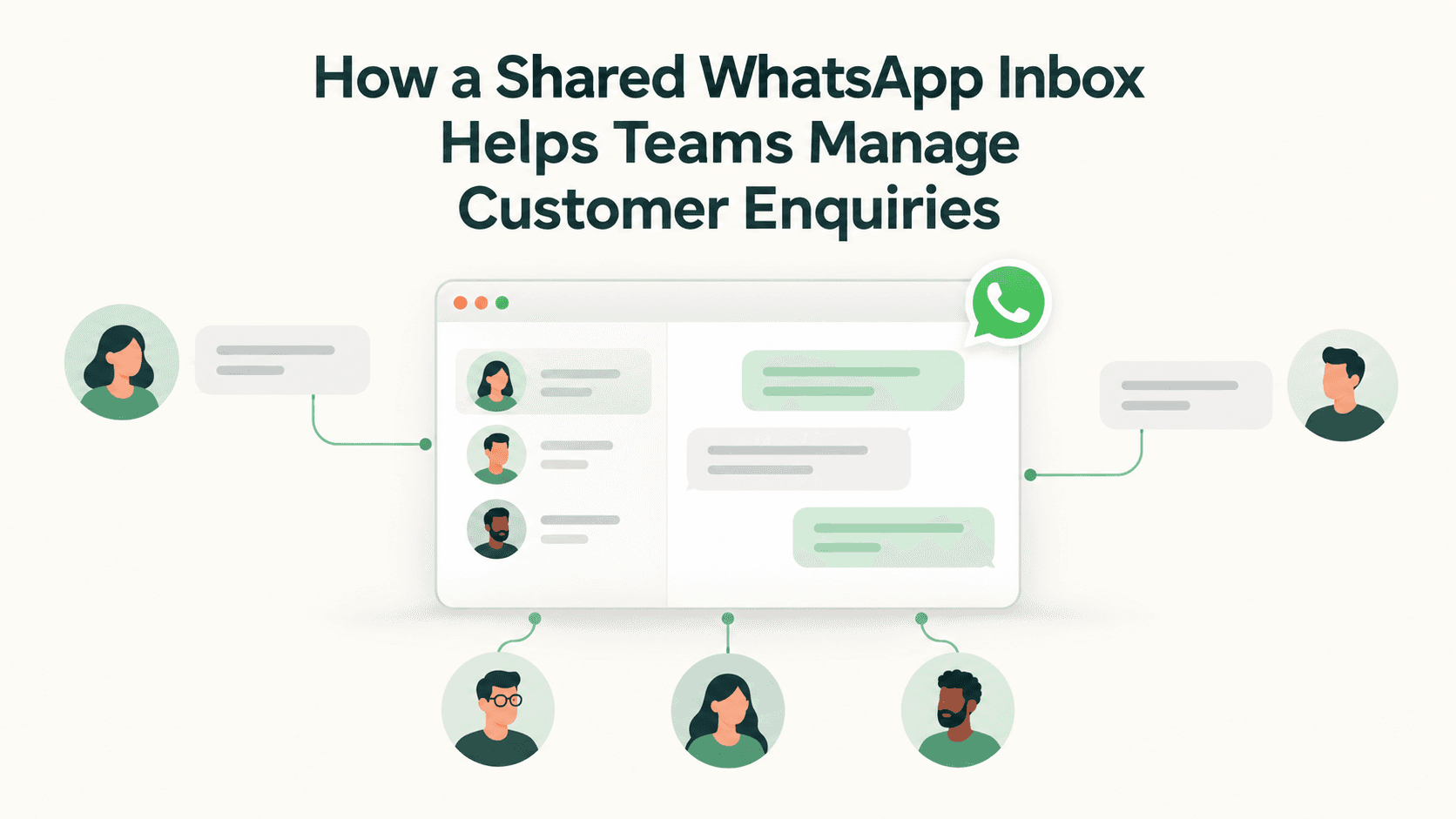
Customer enquiries flow in from many touchpoints, but WhatsApp is often the primary channel for buyers in India. When several teams—sales, support, marketing, and field staff—monitor the same number, replies can get duplicated or delayed. A shared WhatsApp inbox in Triostack CRM centralises conversations, keeps every contact in one place, and provides tools to respond faster and more consistently. This approach helps teams stay aligned, reduce back-and-forth, and deliver a better customer experience.
Key benefits of a shared WhatsApp inbox
Coordinate responses across teams
A shared inbox shows all ongoing conversations in a single view. With automatic lead assignment, new inquiries can be routed to the right person or team, so customers receive timely, relevant replies. When a sales rep is discussing a discount with one contact, another teammate can see the thread and avoid sending conflicting messages.
Centralised contacts and templates
Contacts, conversations, and message history are stored in one place. Templates for common replies save time while preserving accuracy and tone. For example, a template for product availability, a post-purchase follow-up, or a billing question can be customized for a region or customer segment, then reused across the team.
Automation triggers and flows
Automation helps manage the pace of conversations. Flows can be set to auto-follow up after a reply, qualify a lead based on responses, or trigger reminders when a deal requires attention. These flows ensure no inquiry slips through the cracks, even when teams are busy with field visits or meetings.
Calls and transcripts
In addition to messaging, the mobile app supports SIM calling from within Triostack CRM. Call logs and call recordings are available on compatible Android devices. AI call transcription can convert conversations into text in Hindi, Hinglish, or English, making it easier to review details and share notes with teammates.
Lead scoring and follow-up suggestions
Lead intent analysis and lead scoring help teams prioritise conversations. The system can analyse message signals such as interest level, product queries, and timing to suggest who to follow up with next and what message to send. Follow-up suggestions help agents tailor replies to move conversations forward faster.
Automatic lead assignment
Leads can be automatically assigned to the most appropriate team member based on rules such as product interest, geography, or workload. Automatic routing keeps queues balanced and reduces response times, so customers receive timely, relevant engagement even when teams are multi-location.
Getting started: practical steps to implement
- Define roles and access — Decide who can view, respond to, or reassign conversations. Assign owners to different product lines or regions to ensure accountability.
- Sync contacts and set up templates — Import or sync your contact list and create templates for common scenarios (quotations, order follow-ups, support tickets). Personalize templates to maintain a warm, regional tone.
- Configure automation triggers and flows — Set up auto-follow-ups, lead qualification steps, and reminders for pending actions. Align flows with your sales and support processes.
- Enable SIM calling and manage expectations — Use the mobile app to initiate or receive calls. Remember that SIM calls incur normal mobile plan charges; ensure teams know how to switch between messaging and calling as needed.
- Review call logs and enable AI transcription — On compatible Android devices, review call logs and recordings. Turn on AI transcription to capture multilingual conversations for reference and training.
- Set up automatic lead assignment and scoring — Create rules to assign leads to the right owner and configure scoring criteria based on intent signals from messages.
- Monitor, learn, and adjust — Track response times, conversion rates, and customer satisfaction. Refine templates, flows, and routing rules based on real-world feedback.
Practical considerations for Indian SMBs
- Language and tone matter. Use templates that support Hindi, Hinglish, and English, and allow agents to switch language as needed.
- Compliance and record-keeping are easier with a central inbox. Store conversations, transcripts, and call notes in a single thread for audit readiness.
- Team collaboration improves with visibility. When one agent leaves a thread for follow-up, others can view context and pick up where it left off.
- Customer context grows over time. Tags, notes, and call recordings help you understand preferences and tailor future interactions.
Frequently asked questions
Can multiple team members access the same WhatsApp conversations?
Yes. A shared inbox gives visibility to the team so conversations are coordinated. Ownership is flexible: you can assign conversations to a specific person or let the system route them based on your rules. This prevents duplicated replies and ensures consistency in tone and information.
How does AI call transcription help in multilingual conversations?
AI transcription converts spoken calls into text in Hindi, Hinglish, or English. This helps teams review what was said, share notes with colleagues, and search past calls for key details without re-listening to recordings. Transcripts support quick reference and compliance when necessary.
What kind of lead scoring and follow-up suggestions does the system provide?
Lead scoring uses signals from message content, timing, and engagement to estimate the likelihood of conversion. The system can suggest what to send next, whom to contact, and when to follow up, helping agents prioritise high-potential conversations.
Are SIM calls included in the plan?
SIM calls are initiated through the mobile app and are subject to standard mobile plan charges. The shared inbox and call features work alongside your existing telecom setup, rather than replacing it.
Closing thought and next steps
For Indian SMBs looking to streamline customer enquiries, a Shared WhatsApp Inbox in Triostack CRM can improve collaboration, speed up responses, and provide actionable insights. If you want to see how this fits your workflows, contact Triostack CRM for a guided walkthrough and practical setup plan.