
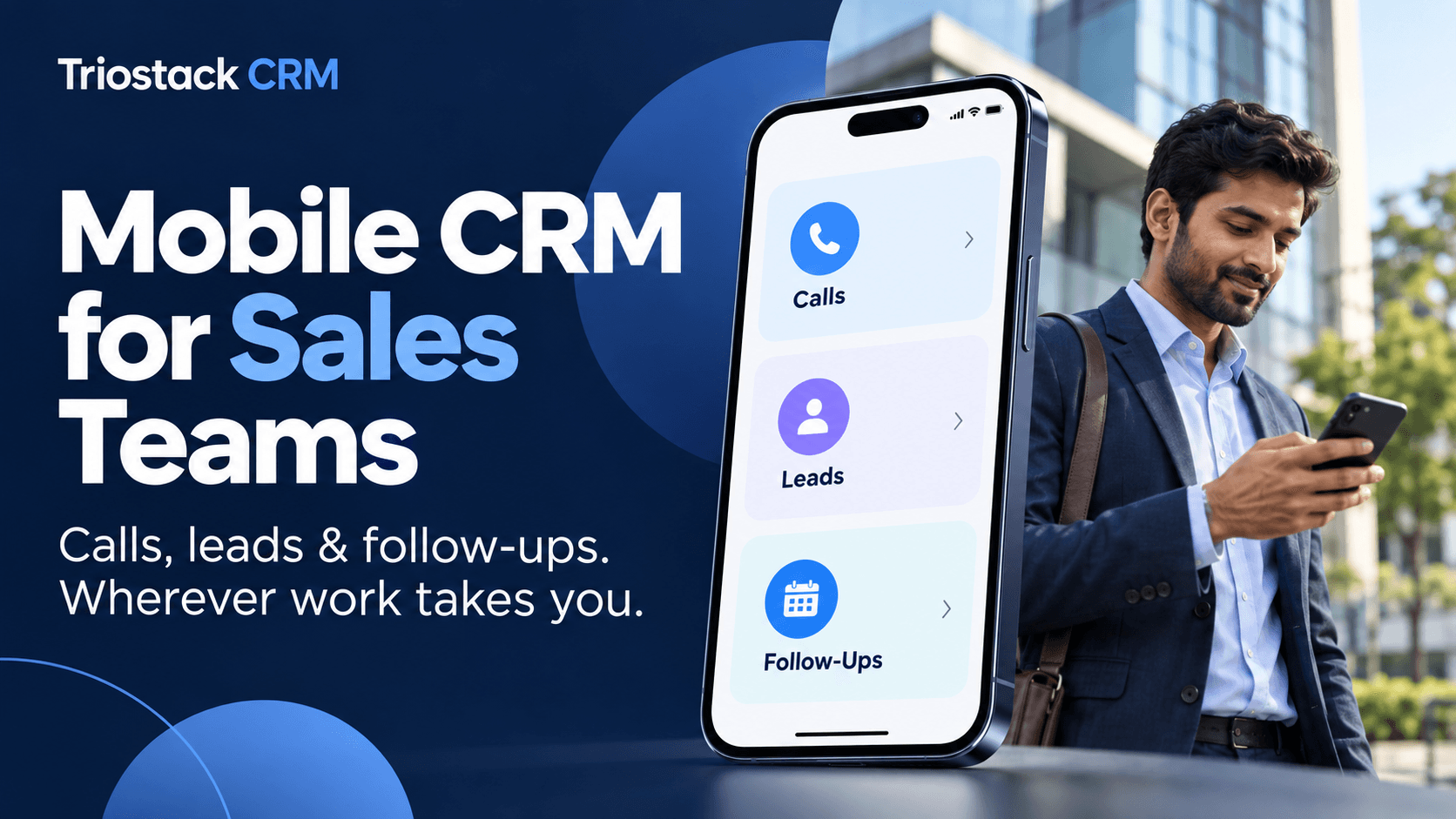
Sales teams in India often juggle customer chats, calls, and follow-ups while on the move. A mobile CRM keeps critical information in one place and helps you respond faster, close more deals, and stay organized when you are away from the desk. With Triostack CRM, field- and desk-based reps alike can access a shared WhatsApp inbox, manage contacts, deploy templates and flows, and trigger automation triggers—right from their mobile devices. The platform also supports SIM calling through the mobile app, records call logs and recordings on compatible Android devices, and uses AI-powered transcription in Hindi, Hinglish and English. Add lead intent analysis, lead scoring, and automatic lead assignment, and you have a practical toolkit for selling on the go.
This article walks through how a mobile CRM helps Indian small and medium businesses, with practical steps, examples, and tips to make every field visit or client call more productive.
Key capabilities of a mobile CRM for sales teams
Unified inbox, contacts, templates and flows
- Access a shared WhatsApp inbox so the team can coordinate responses, assign messages, and maintain brand consistency across conversations.
- Keep contacts and leads organized in one place, with up-to-date notes and history from calls, chats and emails.
- Use templates for common responses and pre-built flows to automate repetitive tasks, such as follow-ups after a call or a WhatsApp inquiry.
- Automation triggers help ensure timely outreach. For example, when a lead shows intent, a follow-up reminder can be triggered automatically.
SIM calling and mobile call management
- Make calls directly through the mobile app using your SIM, so reps don’t switch devices or apps mid-demo.
- Keep full visibility with call logs and call recordings on compatible Android devices, which can be reviewed later for coaching or quick reference.
- Link calls to specific leads or contacts to maintain a complete history of conversations and decisions.
AI-assisted insights on the go
- AI call transcription captures spoken conversations in Hindi, Hinglish and English, turning voice into searchable text that you can tag and reference later.
- Lead intent analysis helps you understand which inquiries show higher buying signals, helping you prioritize outreach.
- Lead scoring packs several signals (recent activity, engagement, and intent) into a single score so reps know where to focus first.
- Follow-up suggestions offer concrete next steps, making it easier to act quickly after each interaction.
Lead management and automatic assignment
- Leads captured from chats, calls or web forms can be organized with status, stage, and next actions visible on mobile.
- Automatic lead assignment routes new or high-potential leads to the right teammate, reducing response time and ensuring accountability.
Practical workflows for field sales and quick follow-ups
Consider a sales rep visiting a small retailer in Pune. They open Triostack on their phone and see a new inquiry from a WhatsApp message that triggered a pipeline flow. The rep makes a quick SIM call to the decision-maker using the same app, logs the call, and the system records a call recording if allowed by the device policy. The AI transcription turns the conversation into searchable notes in Hindi and Hinglish, and the lead scoring shows a high score due to demonstrated interest and a clear timeline for a potential order. The system suggests a follow-up email template and automatically assigns the lead to a senior rep for complex negotiations. A reminder is set to check back in two days if the order isn’t confirmed.
In another scenario, a field sales executive in Bengaluru receives a WhatsApp inquiry from a new hospital administrator. The message triggers a template-based response that includes a product sheet and a link to a quick demo video. The contact is added to the CRM, and the lead scoring flags it as high priority. The executive schedules a follow-up task for the next morning and assigns the lead automatically to a product specialist. All interactions, notes, and transcripts are available in the mobile app for seamless handoffs if the team is away from the desk.
Getting the most from mobile AI features
AI features are there to augment human judgment, not replace it. Use them to triage daily tasks and focus on the most promising prospects. A few practical tips:
- Routinely review AI-transcribed notes after meetings to capture commitments and follow-up actions accurately.
- Let lead intent analysis guide your daily plan. If a lead signals high intent, prioritize it for a quick callback or a personalized message while you’re still with the customer.
- Use follow-up suggestions to create timely tasks or calendar reminders. This ensures no prospect falls through the cracks when you’re moving between customers all day.
- Regularly refresh lead scores as new activity comes in. A temporarily high score should trigger a proactive outreach window rather than a generic follow-up.
Tips for implementation and best practices
- Set up a shared WhatsApp inbox early, with clear ownership per channel. Use templates that reflect your tone and compliance guidelines so responses stay consistent, even when multiple reps handle inquiries.
- Configure flows and automation triggers to support your common sales processes, such as post-demo follow-ups, price quote requests, or onboarding chats for new customers.
- Maintain contact hygiene by regularly syncing and deduplicating leads. Clean data helps AI scoring stay accurate and reduces repetitive outreach.
- Train your team to read AI-generated insights as cues rather than rules. Use them to plan conversations, not to replace personal outreach.
- Be mindful of data privacy and consent when recording calls or storing transcripts. Align usage with local regulations and your company policy.
Frequently Asked Questions
How does call recording work on compatible Android devices?
On devices that support call recording, Triostack can log calls and save recordings where permitted by your device and local laws. Access to recordings is tied to the contact or lead and is visible within the mobile app alongside related notes and transcripts.
Is the WhatsApp inbox shared with the team?
Yes. The shared inbox allows multiple team members to respond to inquiries and coordinate messages. It’s helpful to set clear ownership rules to avoid duplicate replies and ensure consistent messaging.
Can Triostack mobile CRM work on low-bandwidth networks?
The mobile app is designed to function with typical mobile networks. If you experience slower connections, you can still access essential lead data, take notes, and queue follow-ups while the app syncs in the background when connectivity improves.
How does automatic lead assignment work?
Automatic lead assignment routes new or high-potential leads to the most appropriate teammate based on predefined rules, such as territory, product interest, or rep availability. This helps reduce response time and evenly distribute workload.
Ready to empower your sales team to work smarter on the move? Contact Triostack CRM for a quick demo or to set up a trial and see how mobile features can fit your business workflow.