
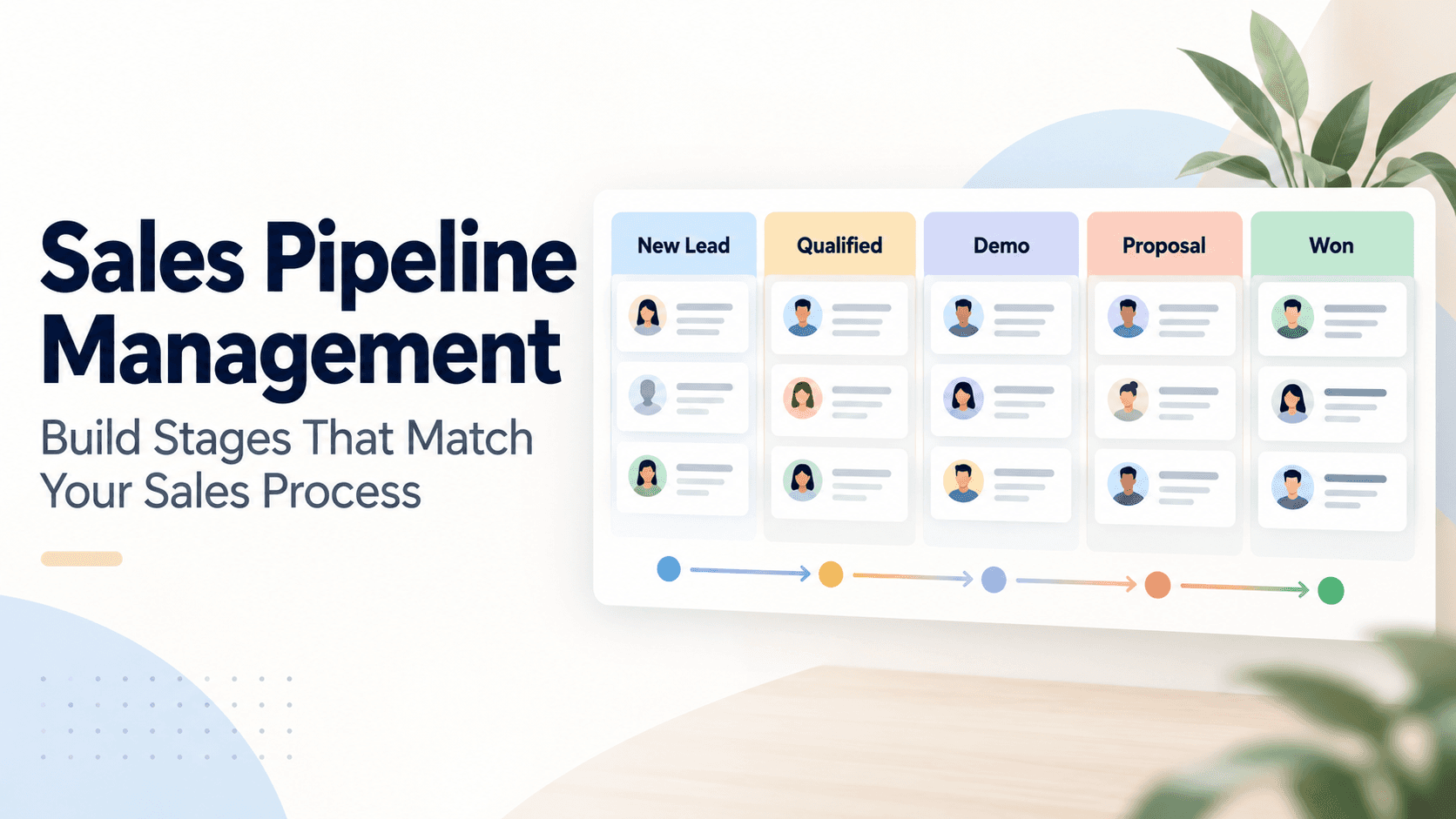
For Indian small and medium businesses, a sales pipeline that mirrors real work is a game changer. When stages reflect how your team actually moves a lead from first contact to close, everyone knows what to do next. You get clearer forecasts, faster follow‑ups, and fewer leads slipping through the cracks. In Triostack CRM, you can structure stages that fit your unique process and use built‑in features like a shared WhatsApp inbox, automation triggers, lead scoring, and AI call transcription to keep things moving smoothly.
Understanding the purpose of stages
Stages are not just labels. They encode criteria for advancing a lead, align your team’s activities, and provide a predictable rhythm to your days. A well‑defined pipeline helps sales reps know when to reach out, when to share a proposal, and when to escalate to a manager. It also lets managers see bottlenecks—where opportunities stall—and take action.
Define stages that reflect the journey
Think about your typical sales journey and how a lead progresses in practice. Below are commonly useful stages for many B2B and B2C SMBs. Adapt them to your product, market, and buying cycle.
Prospecting
What it means: A genuine lead is identified and captured (via WhatsApp, form submission, or a trade contact). What to do: verify interest, collect basic details, and add notes. Criteria to move to the next stage: qualified contact details, a stated need, and a decision‑maker identified. Practical tip: use templates and flows to respond quickly and set a follow‑up reminder.
Qualification
What it means: You’ve screened the lead against your ideal customer profile. What to do: assess budget, authority, need, and timeline. Criteria to move forward: clear use case, a credible timeline, and potential budget. Practical tip: use lead scoring to surface hot prospects and assign them to the right rep automatically.
Demo/Presentation
What it means: You’ve demonstrated value through a product walkthrough or an aligned solution outline. What to do: tailor the demo to the prospect’s pain points. Criteria to move forward: interest shown in key features, questions answered, and agreement on fit. Practical tip: store notes and call recordings (on compatible Android devices) and transcribe them with AI for multilingual capture (Hindi, Hinglish, English).
Proposal
What it means: You’ve prepared a formal proposal or quote. What to do: confirm scope, terms, and timelines. Criteria to move forward: proposal accepted in principle or a clear next step agreed. Practical tip: trigger a formal template with pricing, terms, and a short executive summary via the CRM’s templates and flows.
Negotiation
What it means: You’re navigating price, scope, or terms. What to do: address objections, adjust the offer, and set a decision timeline. Criteria to move forward: objections resolved and decision date confirmed. Practical tip: keep all discussions visible in the CRM with call logs and WhatsApp history for context.
Won / Lost
What it means: The deal is closed, whether won or lost. What to do: capture lessons learned, update the account and forecast, and assign follow‑ups if needed. Practical tip: a quick post‑mortem note helps future deals and improves your scoring model.
Set up the stages in Triostack CRM
Implementing stages in the CRM is straightforward, and you can tailor them to your team’s workflows. Here are practical steps using Triostack features:
- Map your stages to your process: Create the same stages in the CRM as you use in practice. Use clear names and ensure every stage has explicit criteria for advancement.
- Define advancement criteria: For each stage, write 2–3 conditions that must be met to move forward (e.g., decision maker identified, budget confirmed, a demo completed).
- Automate transitions: Use flows and automation triggers to move leads to the next stage when criteria are met. For example, after a successful demo and a reply that confirms interest, automatically advance to Proposal.
- Assign ownership automatically: Use automatic lead assignment to route new prospects to the right salesperson based on territory, product interest, or capacity.
- Integrate communication channels: Leverage the shared WhatsApp inbox for responses, and use templates to respond quickly. Attach notes, call records, and transcripts to the lead record.
- Track intent and priority: Use lead intent analysis and lead scoring to flag hot deals and surface them for faster follow‑up.
With Triostack, you can also log SIM calls through the mobile app and store call logs and recordings on compatible Android devices. AI call transcription supports Hindi, Hinglish, and English, helping your team capture important details even when notes are spoken rather than typed.
Practical examples you can try
Below are two hypothetical setups that illustrate how stages and features work in real life. Adapt the details to your business and product.
Example 1 — a Bengaluru-based IT services lead
A lead comes in via WhatsApp after a regional ad. The sales rep captures basic contact details and schedules a discovery call. The CRM assigns the lead to a regional executive based on territory. The discovery call is logged, and AI transcription captures notes in Hinglish. The lead is qualified if they have a need, a reachable decision maker, and a rough budget. A tailored demo is presented and, after a positive response, a proposal is generated. If the client requests a discount, the negotiation stage takes over with a defined expiry date. The deal is marked Won when the proposal is accepted and contract signed.
Example 2 — a Bangalore spice retailer expanding online orders
A WhatsApp inquiry becomes a prospect. The team uses templates to respond in local language, and an automation flow nudges the rep if there is no reply in 48 hours. The lead is scored higher once a product‑fit question is answered with a positive signal. A product demo is arranged featuring a short, outcome‑driven presentation. After a favorable response, a formal quote is sent using a templated proposal. Negotiation is tracked in the CRM with an explicit decision date. The lead moves to Won when the retailer confirms order quantity and delivery timelines.
Monitor and optimize your pipeline
Regular reviews help you keep stages relevant. Look for stagnation—leads sitting in a stage for too long—and identify bottlenecks. Use dashboards to track win rates by stage, average time in stage, and reasons deals drift. Update criteria or add automation if a stage consistently underperforms. Encourage reps to log notes and call outcomes; AI transcription helps create a trustworthy knowledge base across Hindi, Hinglish, and English for future training and reference.
Frequently asked questions
What is a sales stage and why does it matter?
A sales stage is a defined step in your sales process that a lead must pass through before moving forward. It matters because it creates a repeatable workflow, improves visibility, and helps your team predict revenue more accurately.
How do I map stages to my current process?
Start by listing the typical buyer journey for your products. Create stages that align with real activities (contact, discovery, demo, proposal, etc.). For each stage, write objective criteria for advancement and configure automation to move leads when those criteria are met.
How can Triostack help with multilingual notes and calls?
Triostack supports AI call transcription for Hindi, Hinglish, and English, which helps capture conversations accurately. Call logs and recordings on compatible Android devices are stored with the lead, making it easier to review discussions and align follow‑ups.
How do I keep the pipeline clean and accurate?
Use lead scoring to prioritize high‑value leads, enforce mandatory fields during capture, and review stage transitions weekly. Remove duplicates, close stale opportunities, and adjust stage criteria as your process evolves.
Building stages that mirror your sales process makes your pipeline a true reflection of work in motion. If you’d like help tailoring stages to your team and industry, reach out to Triostack CRM for guidance on setup and best practices.